

a. The two versions - Production and staging versions can be accessed through the following links:
Production Version - https://scanez.com/login
After configuring with following credentials:
-
username
-
password
Staging Version - http://54.88.132.240/login
After configuring with following credentials:
-
username
-
password
b. The login page gets opened. Login using the required credentials.
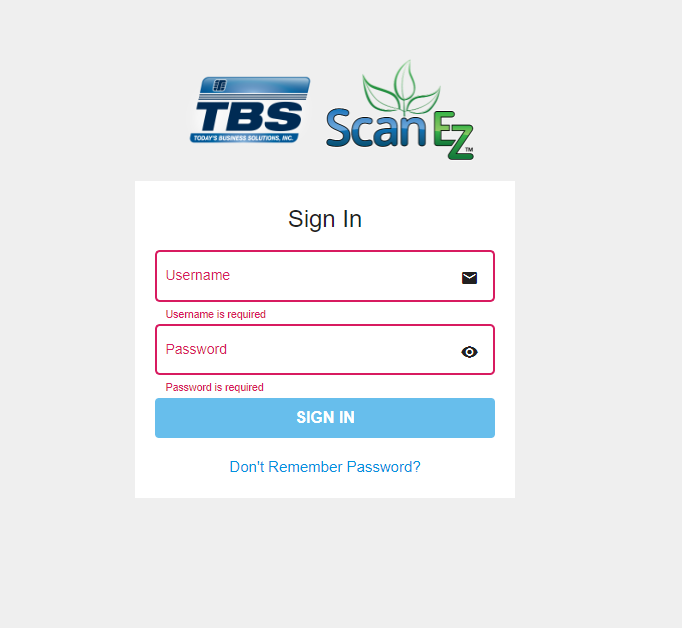
Note: In the system, open C:\ProgramData\SimpleScanStation folder and Configuration file. In the Staging tag, replace false with true to switch to Staging version.
c. If the user forgets the password then we can select “Don’t Remember Password” and the user will be redirected to below page -
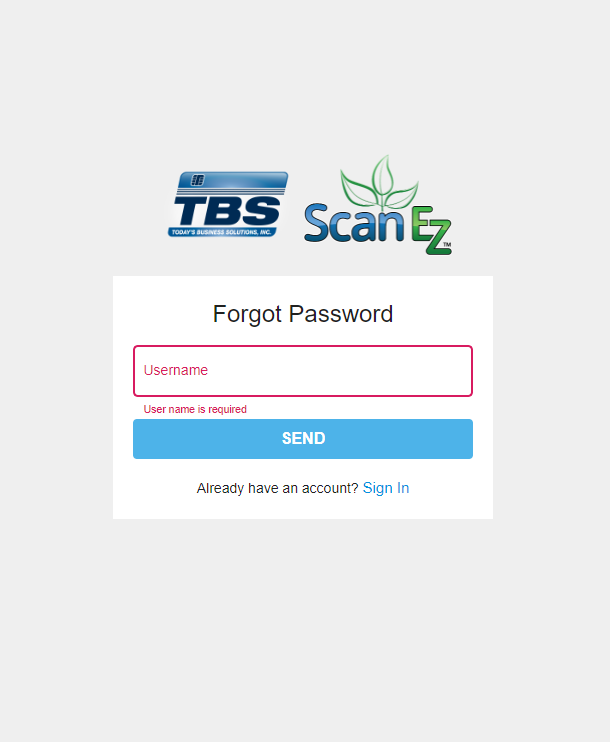
Here we have to enter our username and then we will be able to recover our account’s password.